How do I set or amend my availability?
You can add or amend availability either through your Hero App or via your Hero Portal.

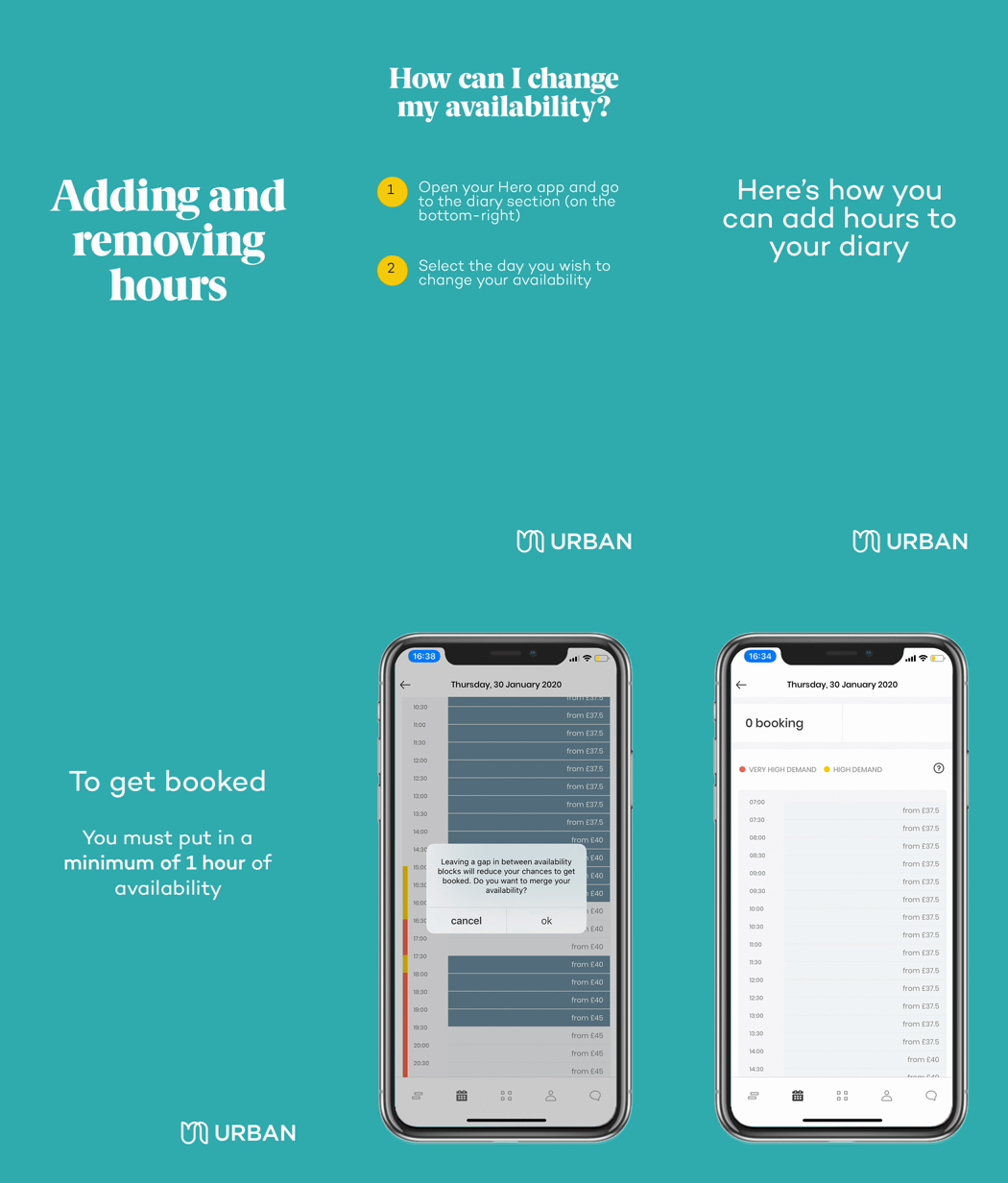
Please remember that you need a minimum of consecutive one-hour availability to receive a booking.
To do this through the App:
To do this through the Hero Portal:
- Log into your account
- Select 'Diary' from the menu at the top of the screen
- Select the time you would like your availability to start from
- Select the time you would like your availability to finish
Please remember that you need a minimum of consecutive one-hour availability to receive a booking.